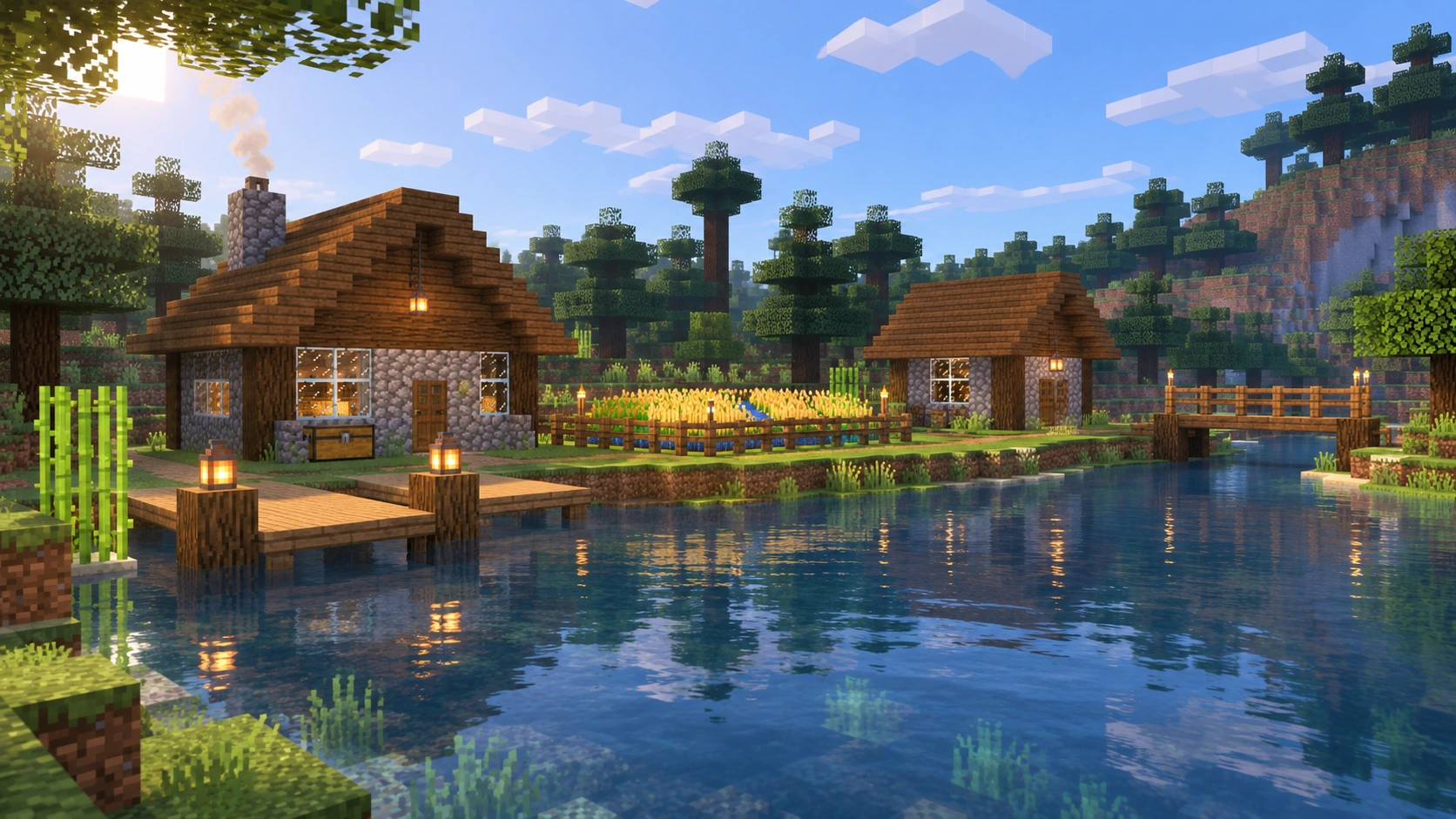
Survival
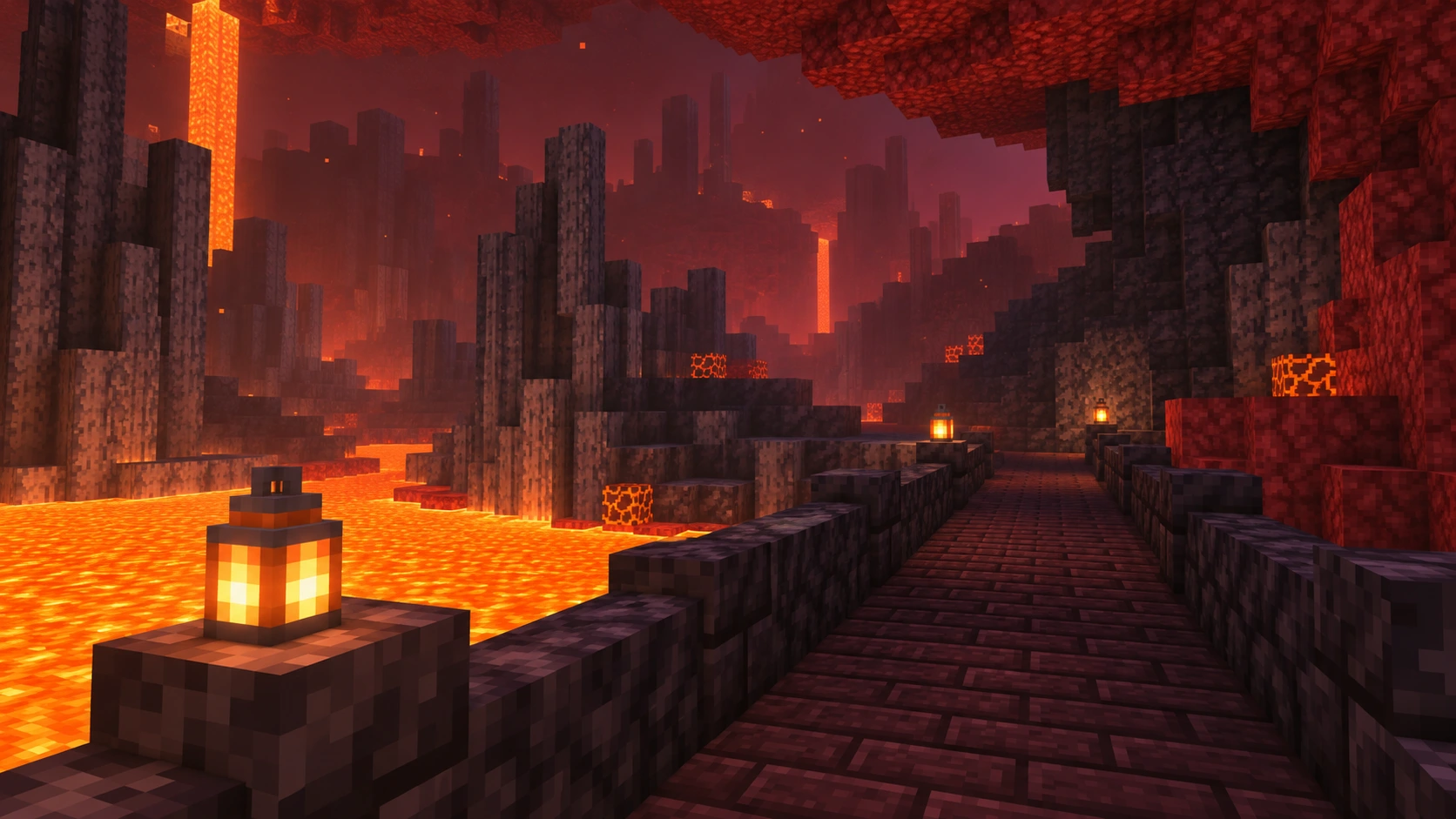
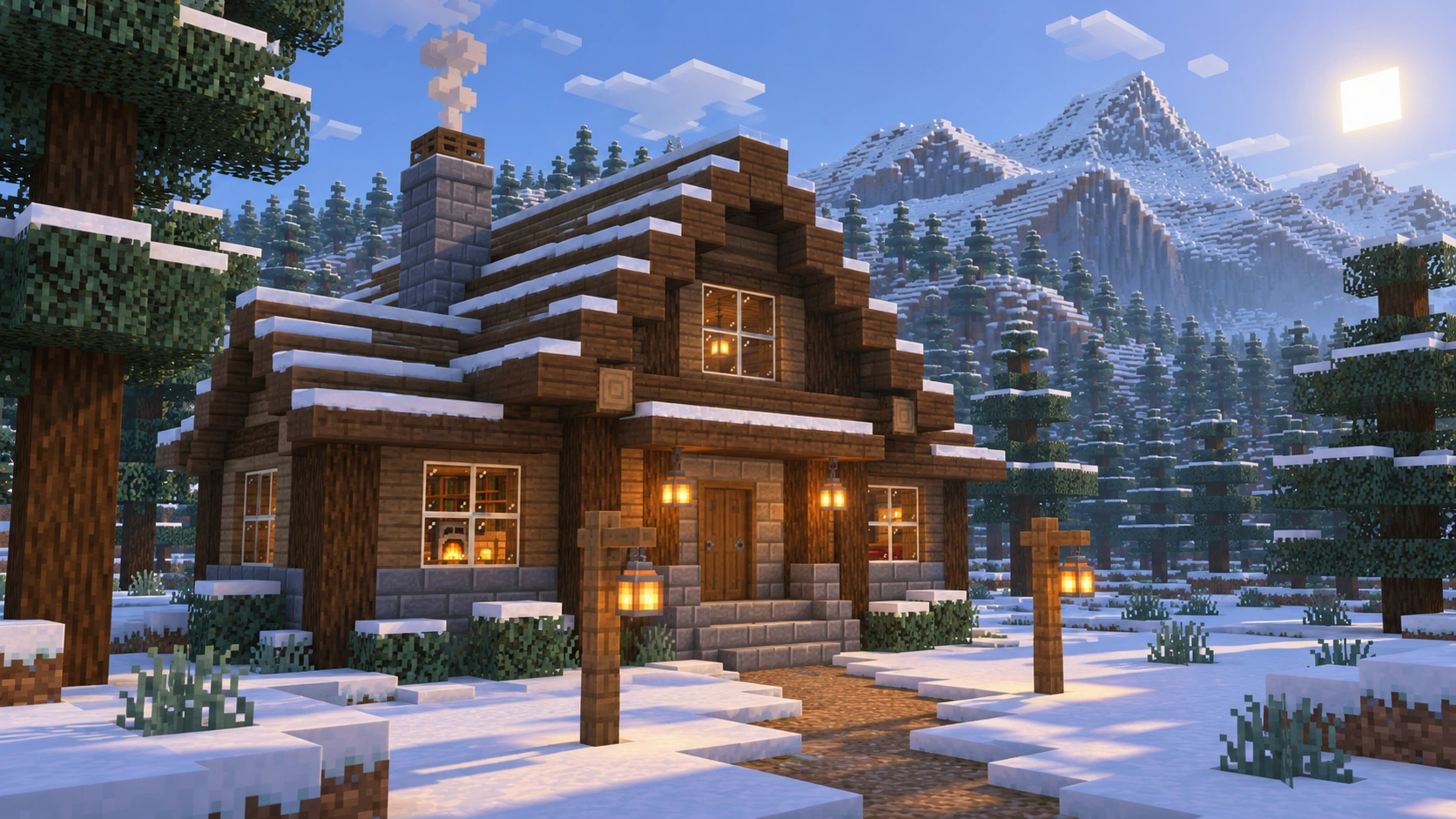
Build a base with your friendsMine, build and trade in a shared Survival world. Set up a village with your friends, work on bigger builds and head out to explore together.
 TorchfadeNetwork
 English
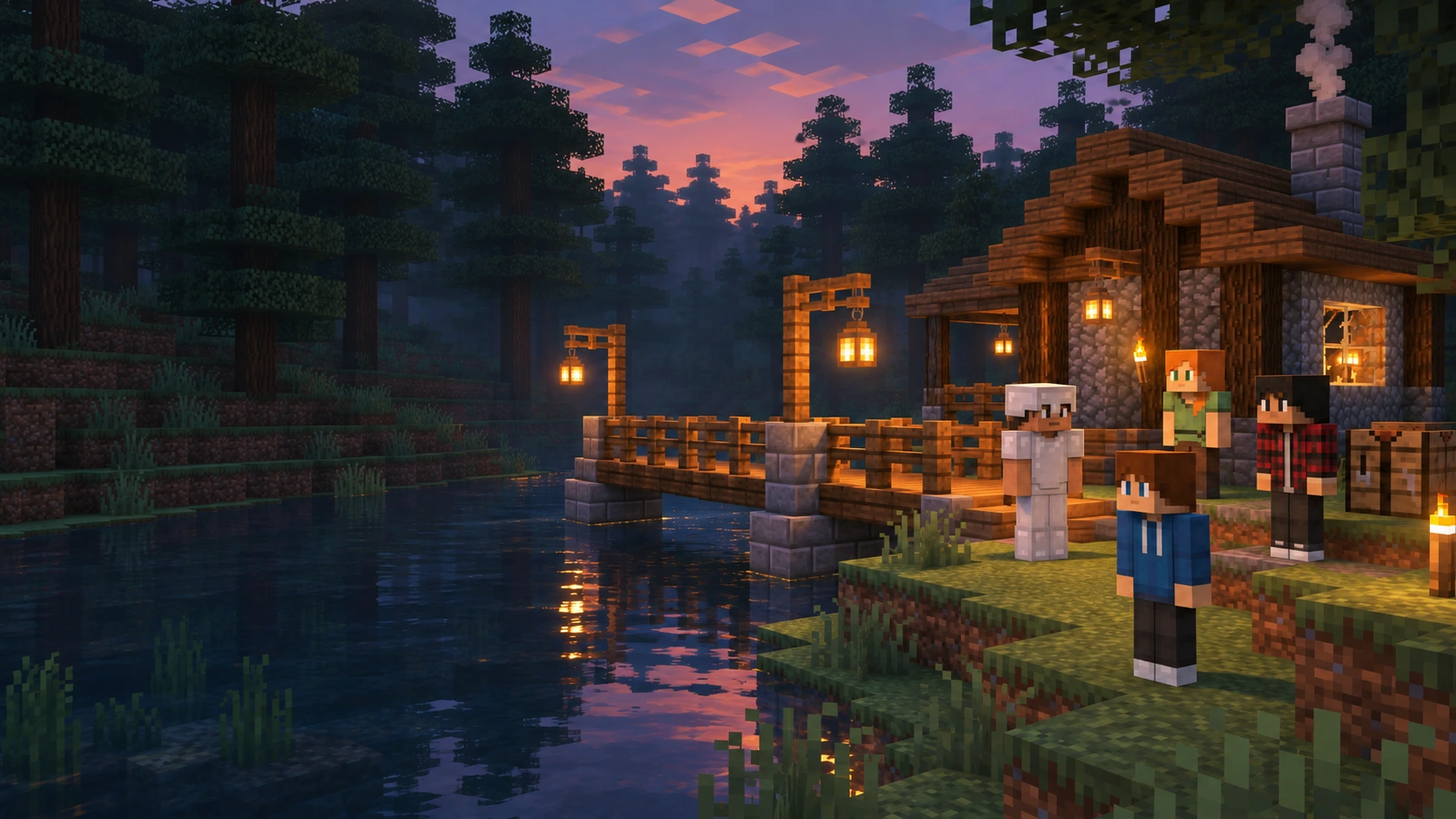
Minecraft survival and horror with friends
Who’s getting on tonight?
Get the mod, join mc.torchfade.com and bring your friends. Build in Survival, start a private world in Worlds, take on Expeditions or play a round of Hunt.
mc.torchfade.com
Choose a mode below to see what you can do with your group.
Mine, build and trade in a shared Survival world. Set up a village with your friends, work on bigger builds and head out to explore together.
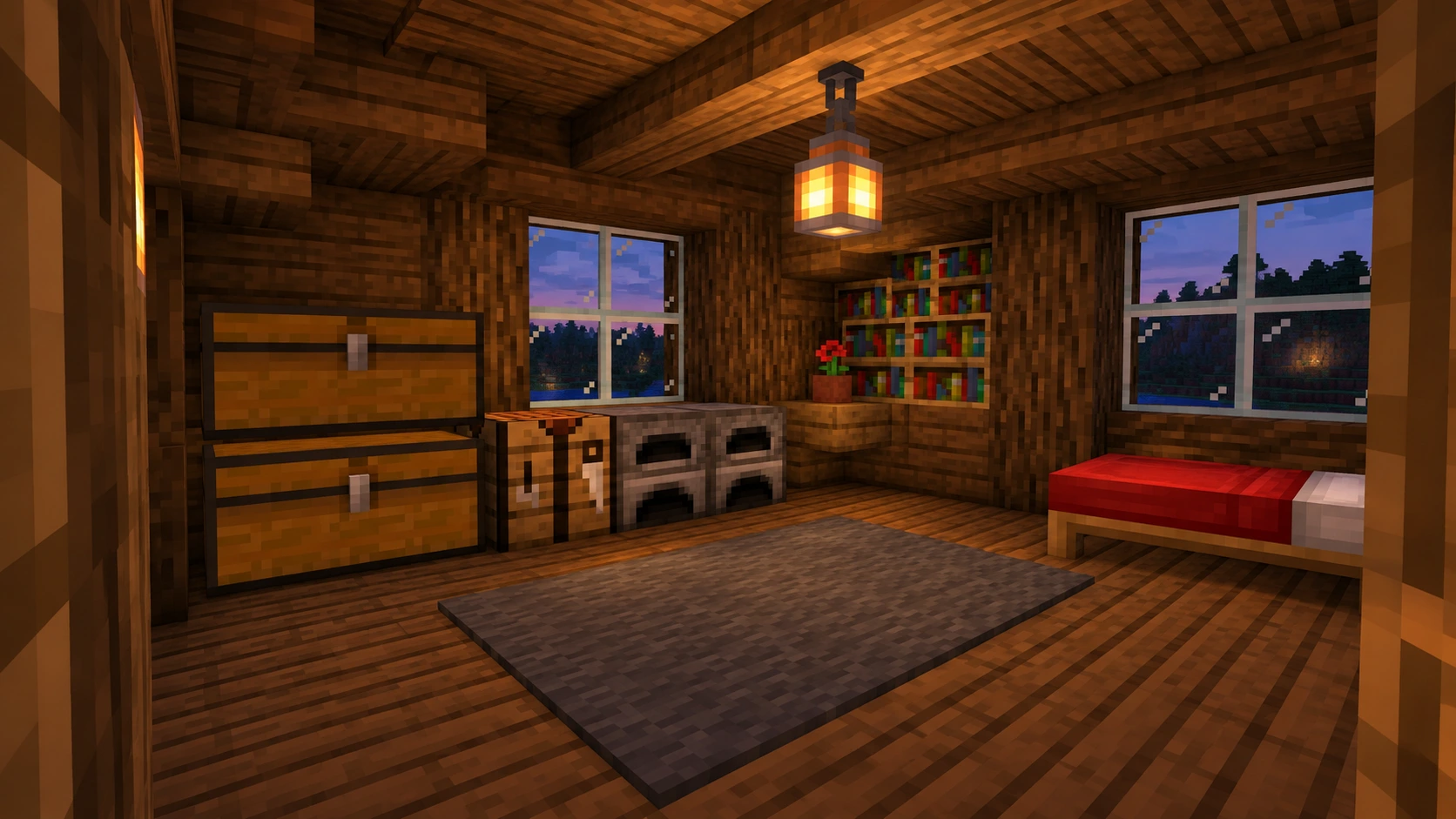
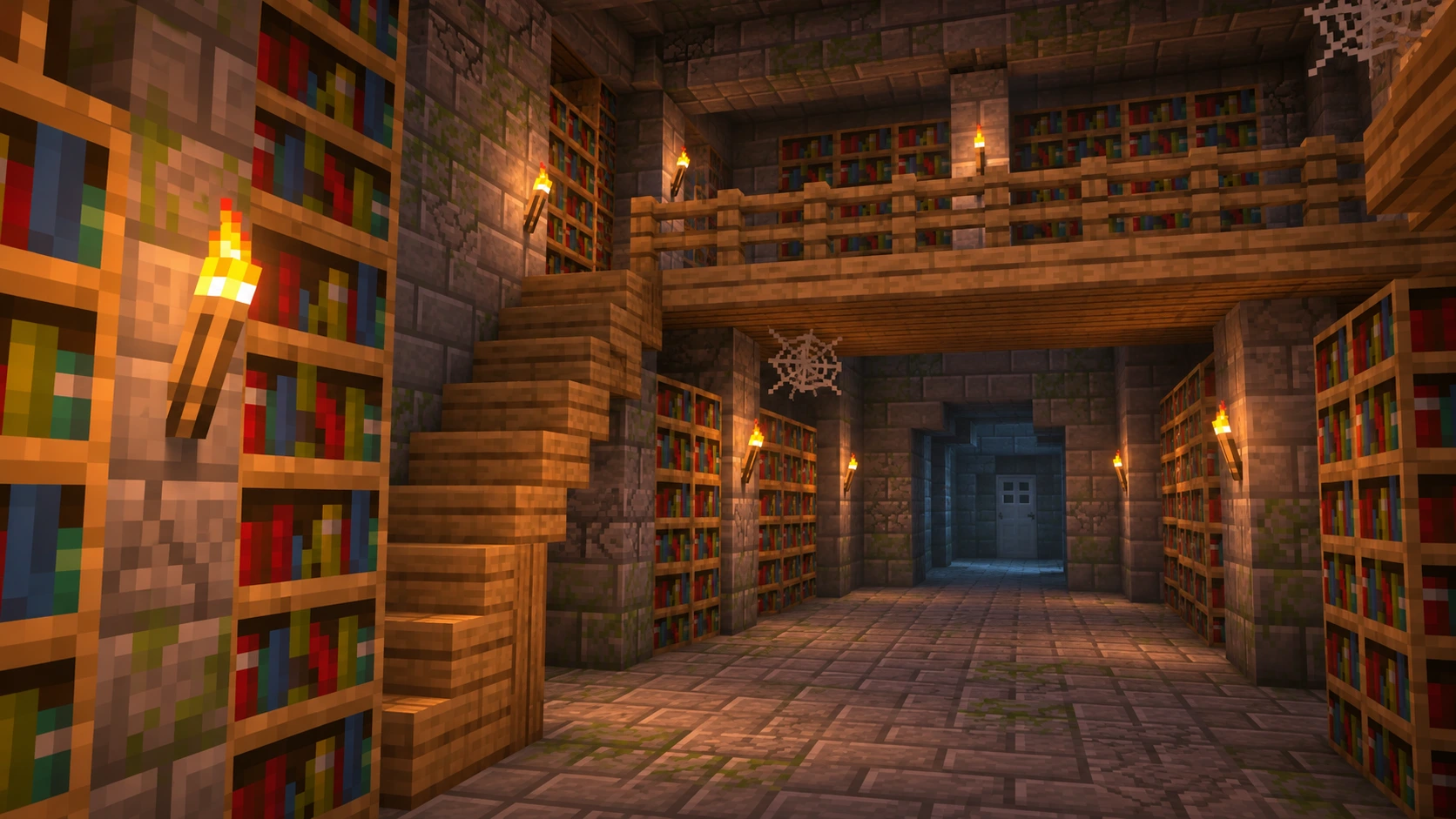
Create a private world and choose who can join. Your group can keep playing without waiting for one friend to host the game.
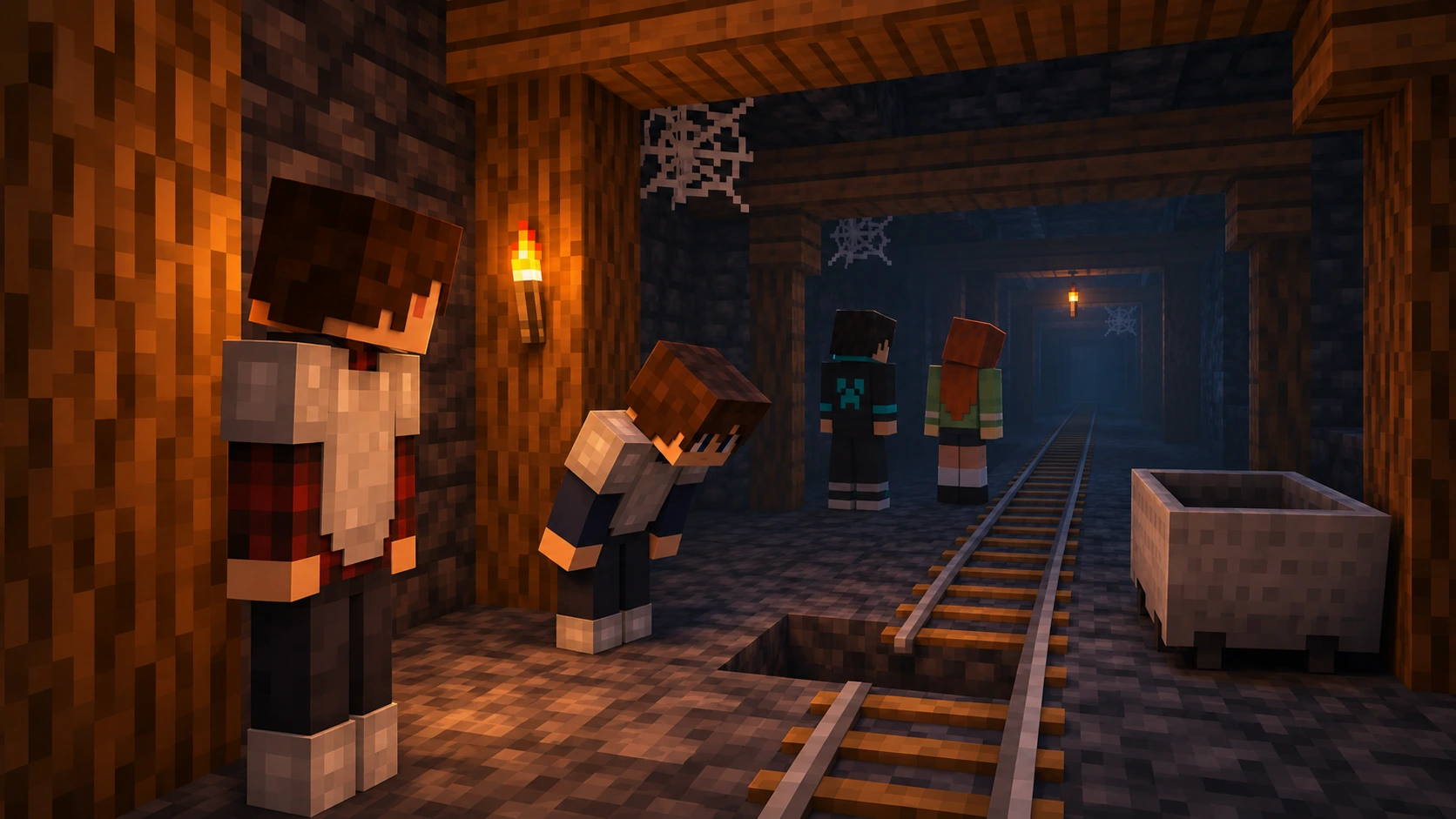
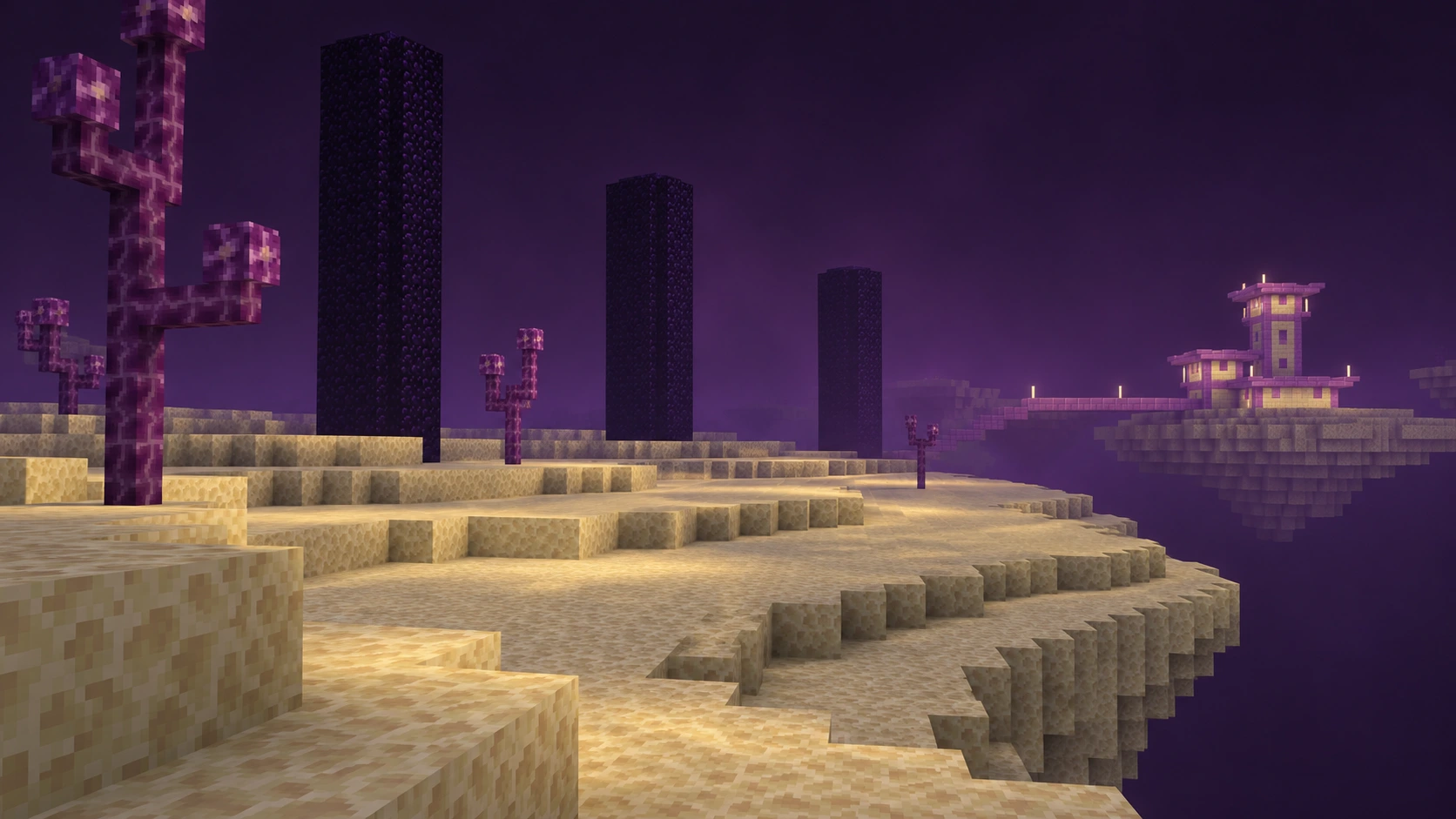
Take your party on a mission. Recover lost supplies, find a route through a mine or rescue a teammate. Divide up the work and decide together when to head back.
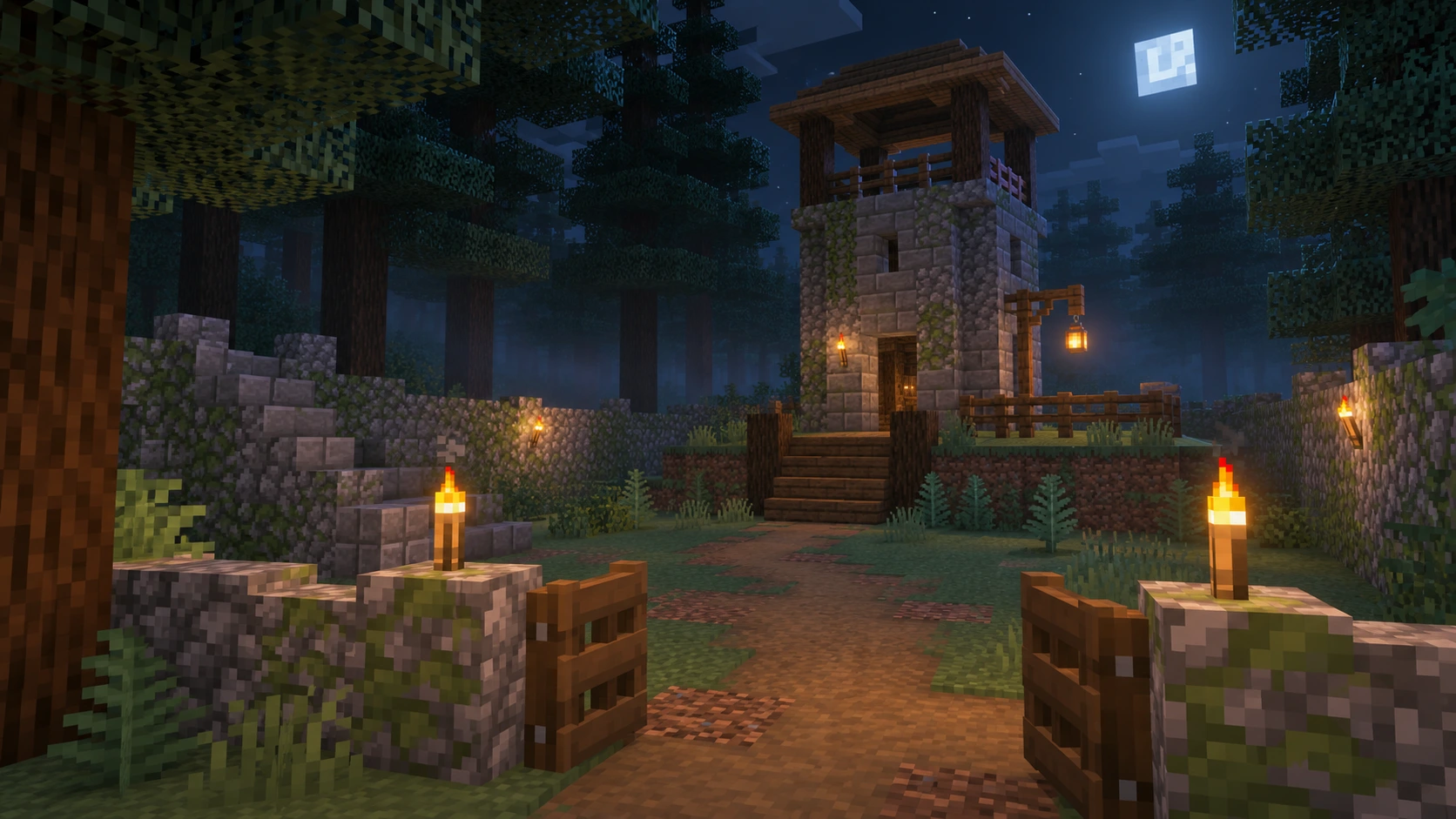
Some players control creatures; the others complete objectives and try to escape. Use traps and distractions, rescue caught teammates and switch sides for the next round.
Use a party for the people playing today, add friends you want to see again and start a clan with your regular group.
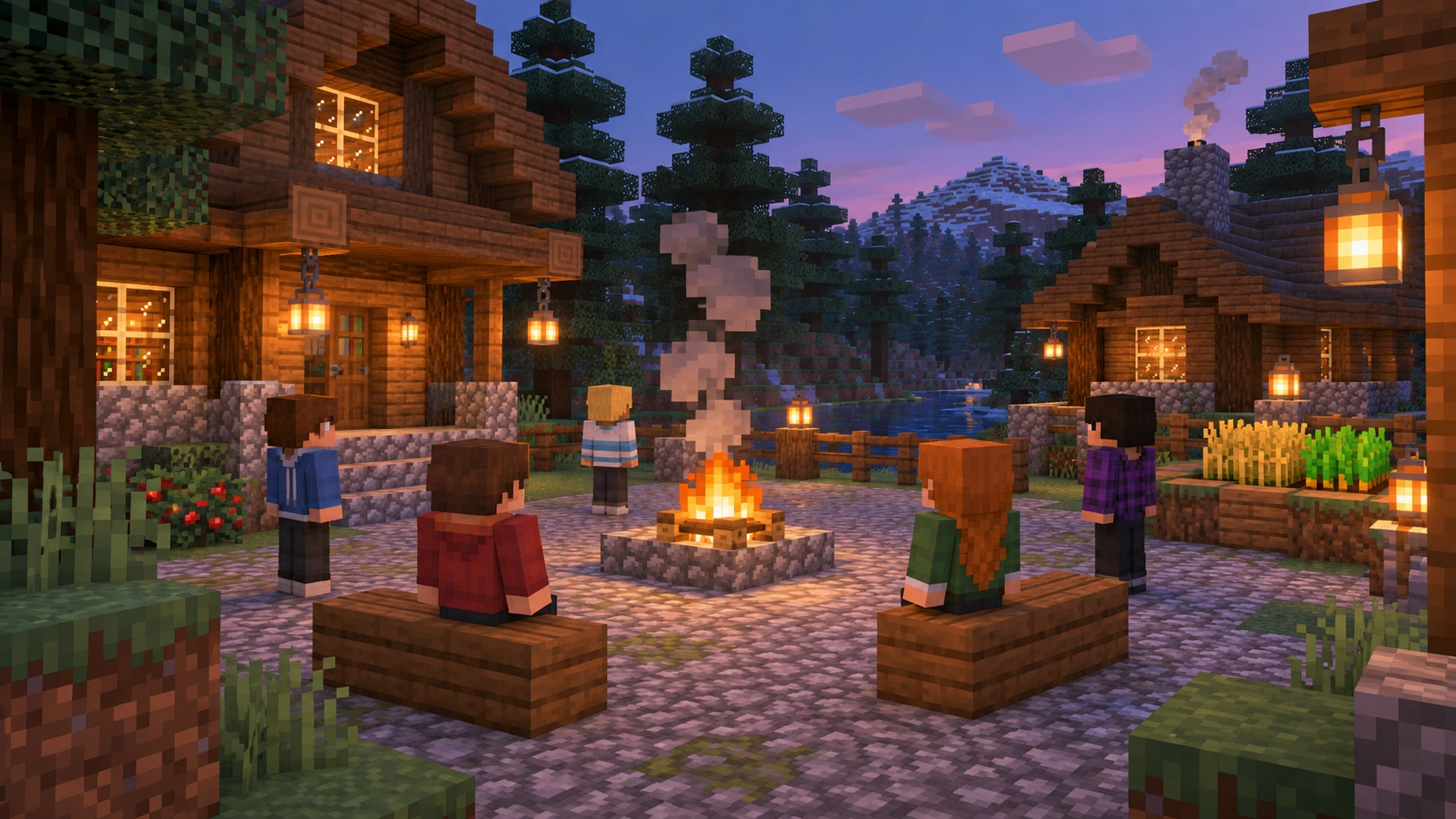
Compare saved homes, guest lists and private match controls. Ember, Phantom and Eclipse are permanent ranks.

Save your homes and get the next party’s invites ready.
$4.29One-time purchase

Run private Expeditions and Hunt matches for your friends.
$10.31One-time purchase

Open parties to the community and set up your own matches.
$17.19One-time purchase
Friends invited to your private matches do not need a VIP.
Install the Forge or Fabric edition for your profile, launch Minecraft Java 1.21.11 and add mc.torchfade.com in Multiplayer.
mc.torchfade.comTorchfade 3.1.1
Download Torchfade 3.1.1 for Minecraft Java 1.21.11. Each ZIP contains one JAR. Choose Forge or Fabric to match your game profile.
Minecraft Java 1.21.11 with Java 21 and Forge 61.2.4.
torchfade-1.21.11-forge-3.1.1.jarMinecraft Java 1.21.11 with Java 21 and Fabric Loader 0.18.1.
torchfade-1.21.11-fabric-3.1.1.jarThe Fabric edition already includes Fabric API 0.141.6+1.21.11. You do not need to download the API separately.
Use Minecraft Java 1.21.11 and Java 21. Choose Forge 61.2.4 or Fabric Loader 0.18.1, matching the ZIP you download.
Which launcher do you use?
Create a Minecraft Java 1.21.11 profile using Java 21. For the Forge ZIP, choose Forge 61.2.4. For the Fabric ZIP, choose Fabric Loader 0.18.1.
Choose Minecraft Java 1.21.11 with Forge 61.2.4 or Fabric Loader 0.18.1, matching your ZIP. Set the profile to use Java 21.
In CurseForge's Minecraft section, create a profile for Minecraft 1.21.11. Choose Forge 61.2.4 or Fabric Loader 0.18.1 to match your ZIP, and use Java 21.
Create an instance for Minecraft 1.21.11 with Java 21. Choose Forge 61.2.4 or Fabric Loader 0.18.1, matching the edition you downloaded.
Install Forge 61.2.4 or Fabric Loader 0.18.1 for Minecraft 1.21.11. In Minecraft Launcher, select that profile under Installations and use Java 21.
Download the Forge or Fabric ZIP and extract it to a folder. Each ZIP contains one Torchfade .jar file. Fabric API 0.141.6+1.21.11 is already included in the Fabric edition; no separate API download is needed.
modsUse the folder icon on the main screen to open your game directory. For a separate modpack, open that modpack’s own folder.
In My Modpacks, open the profile menu and choose Open Folder.
Open the instance, then use the menu next to Play and choose Open folder.
In Installations, use the folder icon next to that profile. If you set a custom location, check the Game Directory under Edit.
Open that profile’s game folder and create mods if needed. Remove any old Torchfade modules, keep your other mods, and copy the new .jar file into the folder. Use the edition that matches your profile: Forge or Fabric. Keep the ZIP outside the game folder.
Start the profile you configured. Torchfade loads when Minecraft starts.
Open Multiplayer, choose Add Server and enter mc.torchfade.com as the server address. Save it so Torchfade stays in your server list.
Use the profile’s Open Folder option or check its Game Directory. If you use the default directory, look here:
%APPDATA%\.minecraft~/Library/Application Support/minecraft~/.minecraft